
Choose an input
Start from a prompt, a first frame, or the images, clips, and audio that define your scene.
Create a complete 4–15 second scene from text, an image, or multimodal references—with camera direction, native stereo, and output up to 2K in one brief.
One model, three starting points
Input
Text · Image · Reference
Output
Up to 2K
Duration
4–15 seconds
Privacy
Private by default
Dynamic performance
Camera tracking · Coordinated subject motion
How to use
Start with the material you already have. Keep the action, camera, sound, duration, and output settings together in one production brief.
Open the generatorStart from a prompt, a first frame, or the images, clips, and audio that define your scene.
Describe the action, camera movement, atmosphere, and sound. Then choose duration, ratio, and resolution.
Sign in, confirm the credit cost, and create. Finished videos stay in My Creations for playback and download.
Who it is for
MiniMax H3 keeps three very different production jobs inside one direct workflow, without turning the homepage into a wall of features.

For marketers
Turn campaign concepts and product stills into polished short-form video for ads, landing pages, and social feeds.
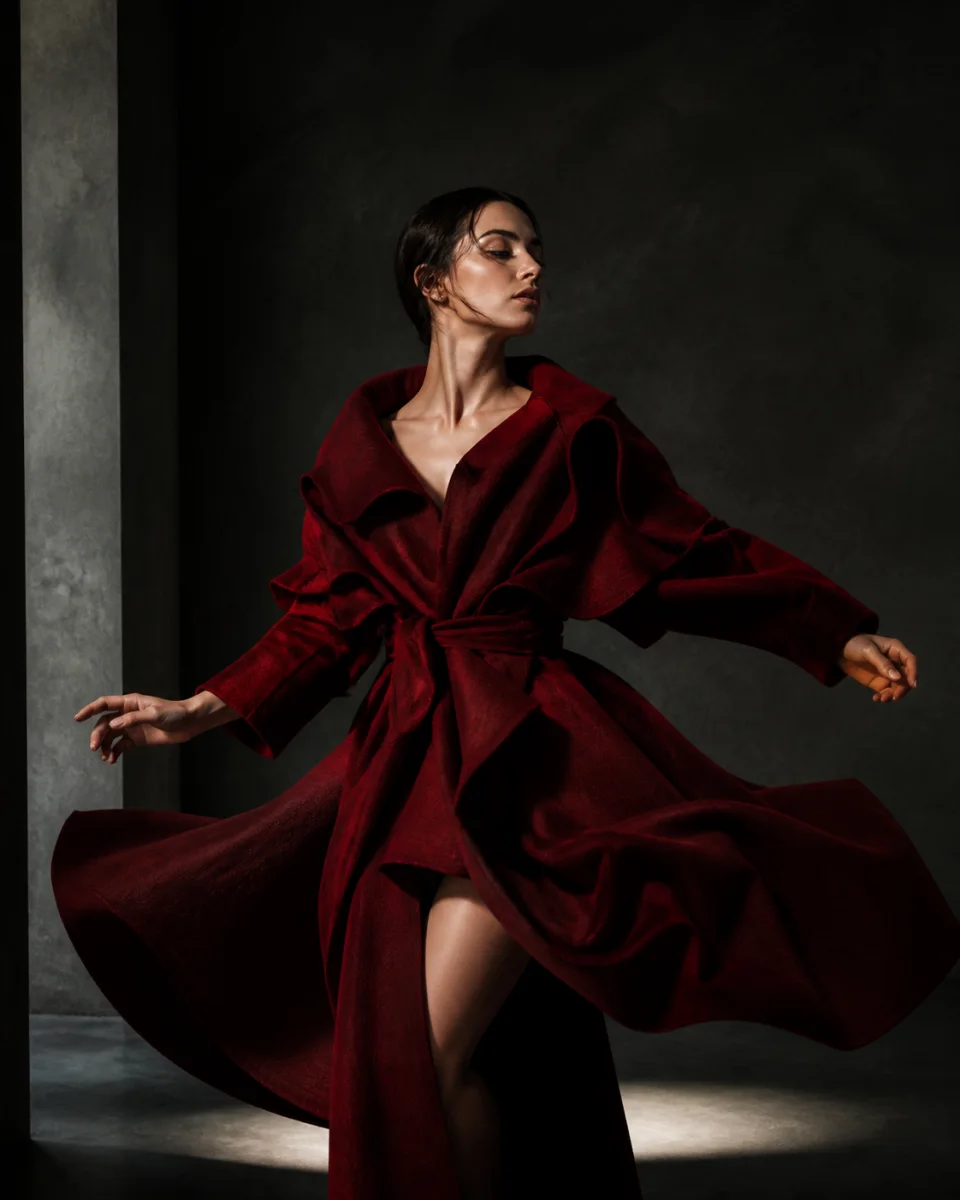
For creators
Create vertical or widescreen clips with directed motion, native audio, and a consistent visual idea from one workspace.
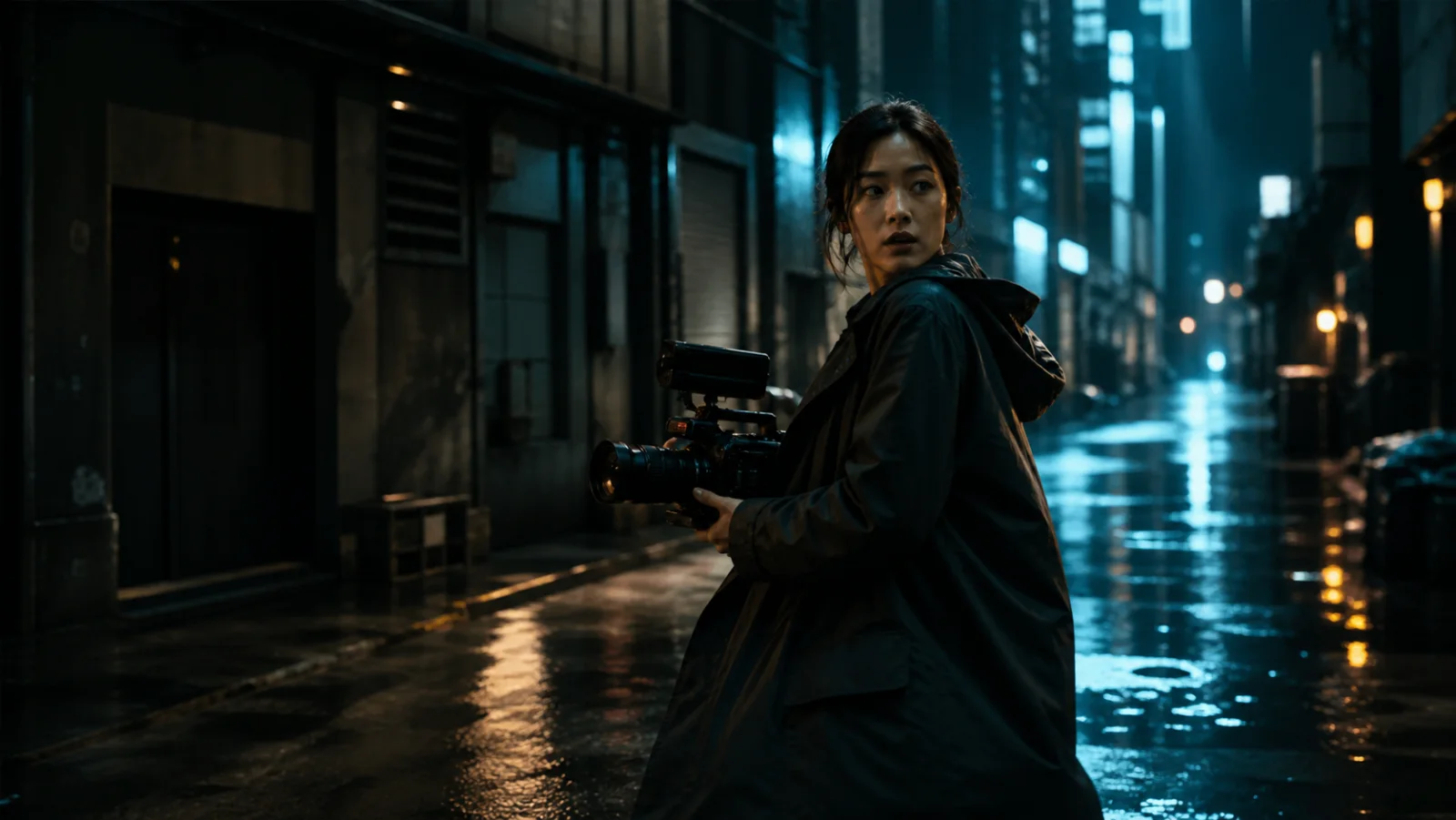
For filmmakers
Explore camera movement, blocking, atmosphere, and reference-driven continuity before a shoot or edit.
User reviews
This section only accepts feedback from signed-in customers after a completed MiniMax H3 job. No imported identities, AI-written quotes, or invented ratings.
No verified reviews yet.
The first production customers will define what appears here. Until then, the product experience and its actual controls carry the argument.
Create the first verified resultMiniMax H3 FAQ
Clear answers about inputs, output, credits, ownership, and the creation flow.
MiniMax H3 is a multimodal AI video model for creating and editing video at up to 2K with native stereo sound. It can work from text, images, video, and audio references.
MiniMax H3 supports text-to-video, first-frame and first-to-last-frame image animation, plus multimodal reference workflows for controlled motion, camera, and sound.
H3 supports generated clips from 4 to 15 seconds, with output at up to 2K.
Yes. Start from one image, or provide first and last frames to guide a controlled transition.
Reference-to-video accepts up to nine images, three videos, and three audio files, giving you control over characters, motion, composition, and sound.
Yes. H3 can generate native stereo sound alongside the video instead of treating audio as a separate afterthought.
Every MiniMax H3 generation uses plan credits. The workspace shows an estimate before submission, reserves the required amount while the job runs, and returns the reservation after a confirmed failure. Resolution, duration, and reference inputs can increase consumption.
Paid plans include commercial use under the current minimax-h3.me Terms. You remain responsible for applicable law, underlying model terms, and the rights to every uploaded input.
Your next shot starts here
Start from text, an image, or references. See the credit estimate, preserve the prompt through sign-in, and generate privately.
Create your first shot