
MiniMax H3 AI Video

MiniMax H3: Your Complete AI Video Generator

Create 4–15s private videos with native audio and up to 2K output.

Up to 2KNative StereoMultimodal Reference
0/7000
Aspect ratio
Duration
Resolution
Estimated 150 creditsSign in required · prompt preserved

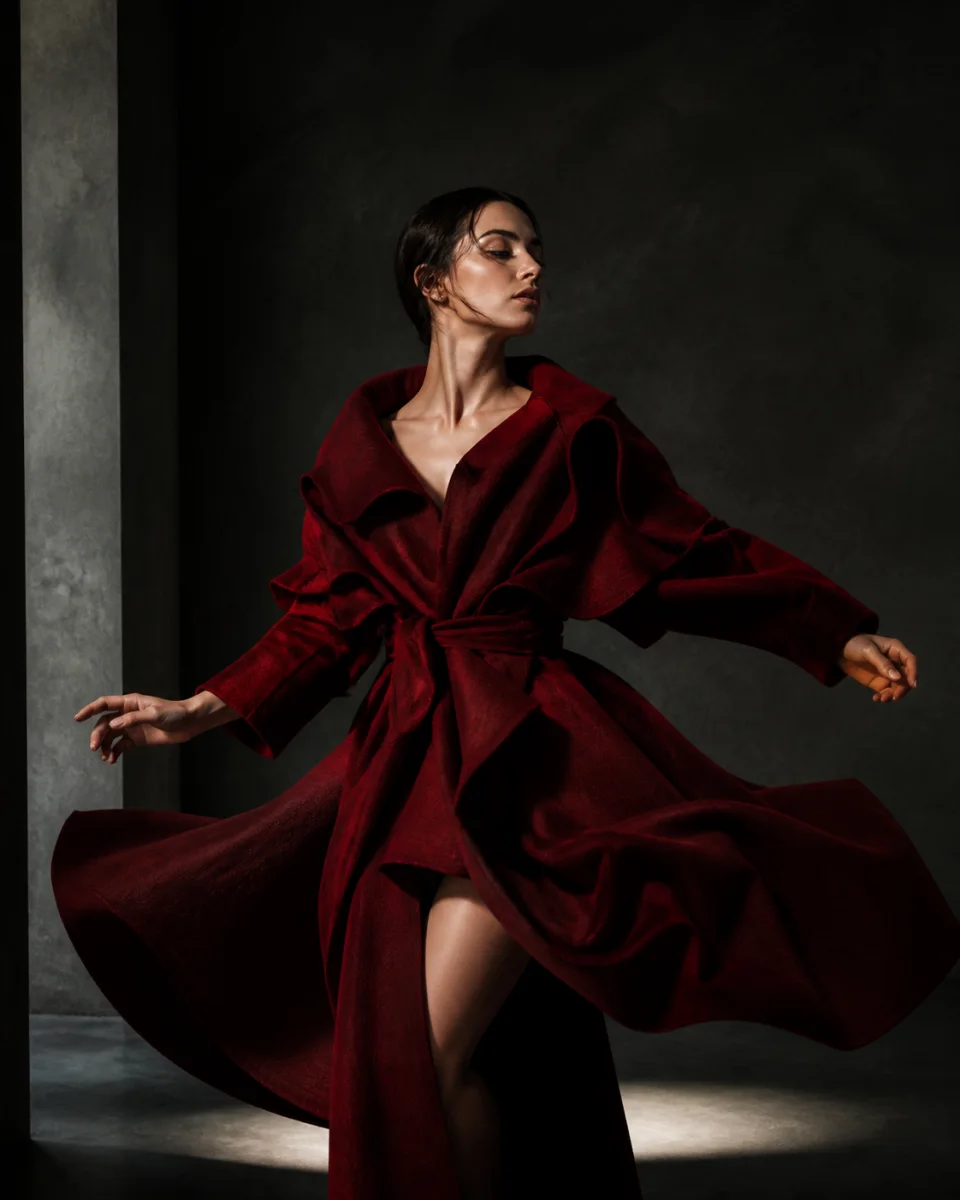
Official MiniMax H3 showcase example · AI-generated

Dynamic Performance with Camera Tracking

Camera tracking and coordinated subject motion

MiniMax H3 video generator

One model. Three ways to direct motion.

Move from a written direction, a composed frame, or a complete set of references without changing workspaces.

Official MiniMax H3 showcase example · AI-generated

Dynamic Performance with Camera Tracking

Camera tracking and coordinated subject motion

Mode
reference
Published clip
15s · 3:4

Prompt / instruction: Official prompt not published
Official H3 example selector

Four simple steps

Create with MiniMax H3 from one workspace

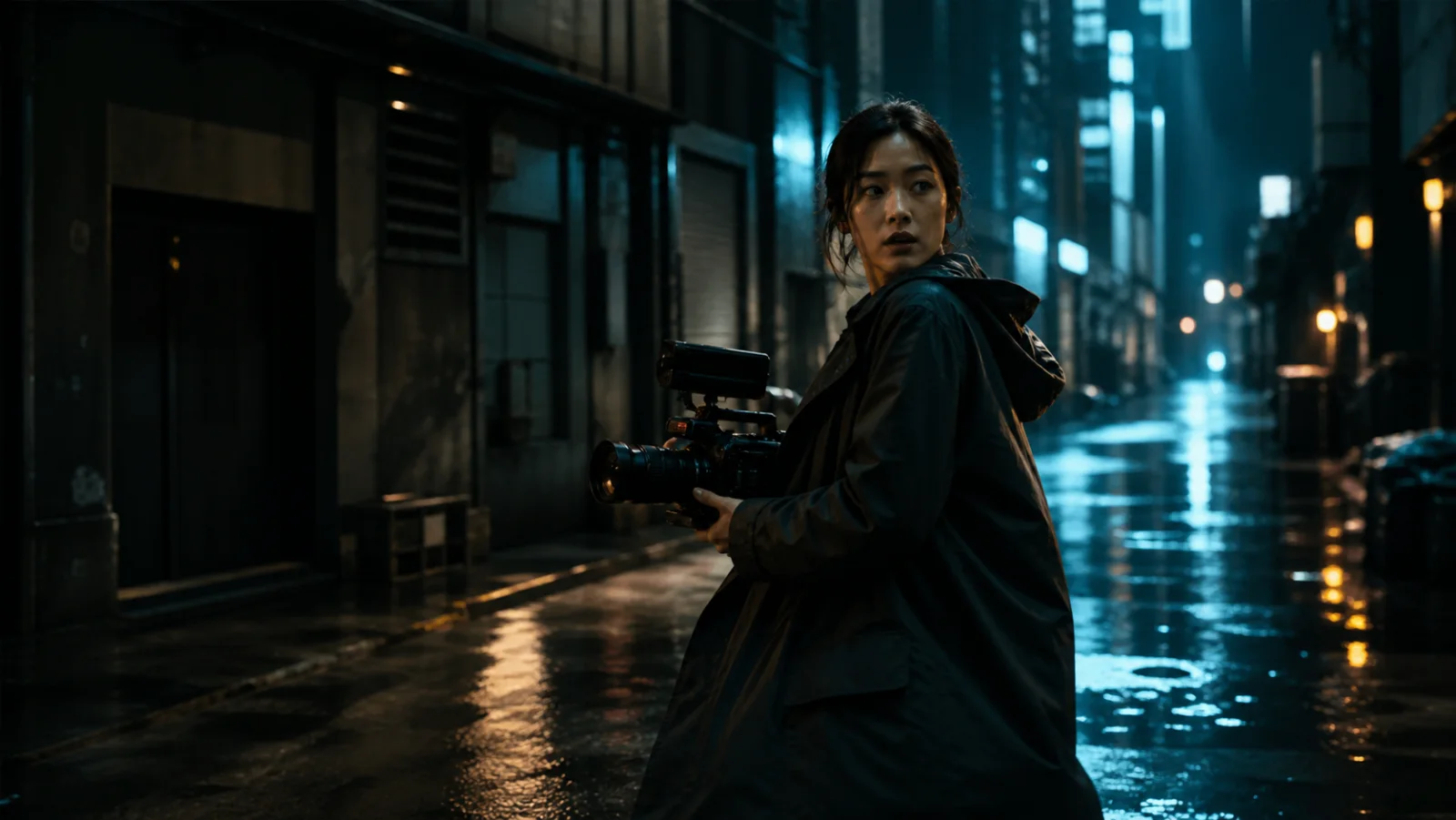
Cinematic MiniMax H3 video concept with a filmmaker in a rain-lit street

Direction ready

Camera, motion, sound, duration, and output quality stay in one brief.

01

Choose your direction

Start with Text, Image, or Reference mode. Each mode keeps the controls focused on the material you actually need.

TextImageReference
Pick the input mode that matches the material already in hand.
02

Describe the shot

Write the action, camera movement, atmosphere, and sound in one production brief, or load a proven prompt direction.

Prompt

A cinematic product reveal with a slow orbital camera, restrained reflections, and natural studio ambience.

03

Customize the output

Choose aspect ratio, duration, and resolution. The credit estimate updates before you submit the generation.

Duration6 seconds
Ratio16:9
Create with MiniMax H3252 Credits
04

Generate and keep the result

Track the job in My Creations, review the completed video, download it, and reuse the direction for another cut.

Completed H3 video preview in My Creations
COMPLETEDProduct reveal · 6s · 16:9Download video

MiniMax H3 · focused production workflow

Plan, create, and keep each MiniMax H3 result

01

Direct one clear production brief

MiniMax H3 begins with a clear creative brief. Tell MiniMax H3 what the subject does, where the camera moves, and which sounds matter. MiniMax H3 keeps those choices together inside one generation request. Before submitting, MiniMax H3 shows the duration, resolution, aspect ratio, and credit estimate. That makes MiniMax H3 practical for planning a focused clip instead of guessing at the production setup.

02

Start from the material you already have

MiniMax H3 can begin with text, a first frame, a first-and-last-frame pair, or a set of visual and audio references. Use MiniMax H3 Text mode when the scene exists only as an idea. Use MiniMax H3 Image mode when composition is already defined. Choose MiniMax H3 Reference mode when identity, motion, camera language, or sound must follow supplied material. Every MiniMax H3 mode stays inside the same workspace and credit balance.

03

Plan motion and sound together

MiniMax H3 treats motion and sound as parts of one direction. A MiniMax H3 prompt can describe action, dialogue, ambience, music, and camera timing without sending creators into separate tools. MiniMax H3 supports native stereo output, so the intended audio context travels with the visual request. When a reference recording matters, MiniMax H3 can accept audio alongside image and video references. The MiniMax H3 result remains one coherent clip to review.

04

Choose quality before spending credits

MiniMax H3 offers 768P and 2K output so quality and cost are visible choices. MiniMax H3 charges by selected resolution and video seconds, while the interface shows the estimate before submission. For quick concepts, MiniMax H3 at 768P preserves more credits for iteration. For a higher-detail final, MiniMax H3 at 2K provides the larger output option. In both cases, MiniMax H3 uses the same duration and aspect-ratio controls.

05

Keep every creation private by default

MiniMax H3 inputs and outputs stay inside an authenticated private workflow. Uploaded material for MiniMax H3 is stored under the owner account, and completed video is copied into private storage before playback or download. MiniMax H3 does not expose prompts, private object keys, or provider result links in public pages. A finished MiniMax H3 clip remains available in My Creations. That gives every MiniMax H3 project a direct path from submission to secure reuse.

06

Move from first draft to usable footage

MiniMax H3 is most useful when each generation answers one production question. Start MiniMax H3 with a short, specific shot, review the motion and sound, then revise only the direction that needs work. MiniMax H3 keeps successful outputs available for download, while confirmed failed jobs return their reserved credits. Pricing makes MiniMax H3 capacity visible before purchase. The complete MiniMax H3 workflow is designed to move a clear idea toward footage that can enter the next edit.

Trust the evidence

Proof you can inspect before you create

Product claims stay attached to published examples, documented capability, independent context, and explicit commercial terms.

Save 50% annually

Choose Your Plan

One MiniMax H3 workflow. Pick the generation capacity that fits your production pace.

Annual billing · 50% savings versus monthly billing

Basic

$29.90$14.95/month

$179.40 annual total · billed yearly

Annual billing saves 50% versus twelve monthly payments

For focused experiments and occasional finished clips


  • 12,000 credits per year
  • About 80 six-second 768P H3 videos
  • All three MiniMax H3 creation modes
  • Up to 2K, native stereo, and 15-second clips
  • Commercial use included* and no watermark
  • Private inputs, outputs, and creation history
  • Secure re-downloads of completed videos
  • Confirmed failed generations return credits
  • 7-day refund if purchased credits remain unused*

    * Commercial use and refund eligibility are subject to the Terms, applicable law, and your rights to uploaded inputs.

    Most Popular · Best Value

    Pro

    $49.90$24.95/month

    $299.40 annual total · billed yearly

    Annual billing saves 50% versus twelve monthly payments

    For frequent campaign, client, and social video work


    • 24,000 credits per year
    • About 160 six-second 768P H3 videos
    • Everything in Basic
    • Full image, video, and audio reference workflow
    • Up to 2K, native stereo, and 15-second clips
    • Reusable prompts and proven example recipes
    • Production-ready Prompt and Reference toolkits
    • Commercial use, no watermark, and private outputs*
    • Priority support

      * Commercial use and refund eligibility are subject to the Terms, applicable law, and your rights to uploaded inputs.

      Max

      $99.90$49.95/month

      $599.40 annual total · billed yearly

      Annual billing saves 50% versus twelve monthly payments

      For high-volume creative production


      • 48,000 credits per year
      • About 320 six-second 768P H3 videos
      • Everything in Pro
      • Highest generation capacity
      • Full multimodal Reference Director workflow
      • Up to 2K, native stereo, and 15-second clips
      • Max prompt and campaign recipe collections
      • Commercial use, no watermark, and private outputs*
      • Priority support

        * Commercial use and refund eligibility are subject to the Terms, applicable law, and your rights to uploaded inputs.

        MiniMax H3 FAQ

        Questions before you create

        What is MiniMax H3?

        MiniMax H3 is a multimodal AI video model for creating and editing video at up to 2K with native stereo sound. It can work from text, images, video, and audio references.

        What can I create with MiniMax H3?

        MiniMax H3 supports text-to-video, first-frame and first-to-last-frame image animation, plus multimodal reference workflows for controlled motion, camera, and sound.

        How long can a MiniMax H3 video be?

        H3 supports generated clips from 4 to 15 seconds, with output at up to 2K.

        Does H3 support image-to-video?

        Yes. Start from one image, or provide first and last frames to guide a controlled transition.

        What can I use as a reference?

        Reference-to-video accepts up to nine images, three videos, and three audio files, giving you control over characters, motion, composition, and sound.

        Does MiniMax H3 create audio?

        Yes. H3 can generate native stereo sound alongside the video instead of treating audio as a separate afterthought.

        How do MiniMax H3 plan credits work?

        Every MiniMax H3 generation uses plan credits. The workspace shows an estimate before submission, reserves the required amount while the job runs, and returns the reservation after a confirmed failure. Resolution, duration, and reference inputs can increase consumption.

        Can I use generated videos commercially?

        Paid plans include commercial use under the current minimax-h3.me Terms. You remain responsible for applicable law, underlying model terms, and the rights to every uploaded input.

        Your next shot starts here

        Bring one clear direction to life with MiniMax H3

        Choose a plan, describe one clear shot, and create private video with visible credit estimates before every submission.

        Create a MiniMax H3 video